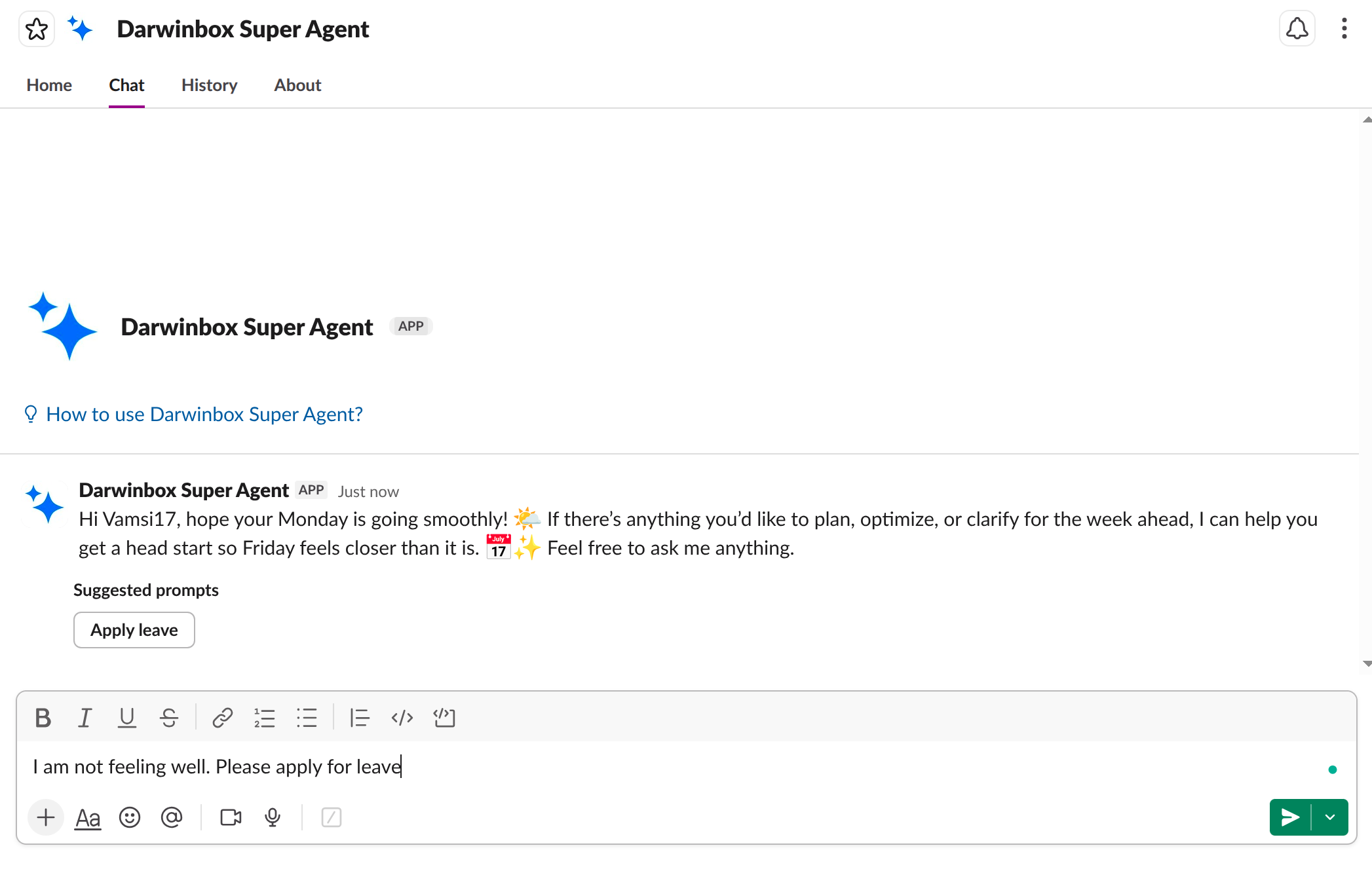
A natural conversation with your HR assistant, right inside Slack.
Open the Darwinbox Super Agent in Slack and simply type your request. The agent greets you, suggests prompts, and is ready to help instantly.
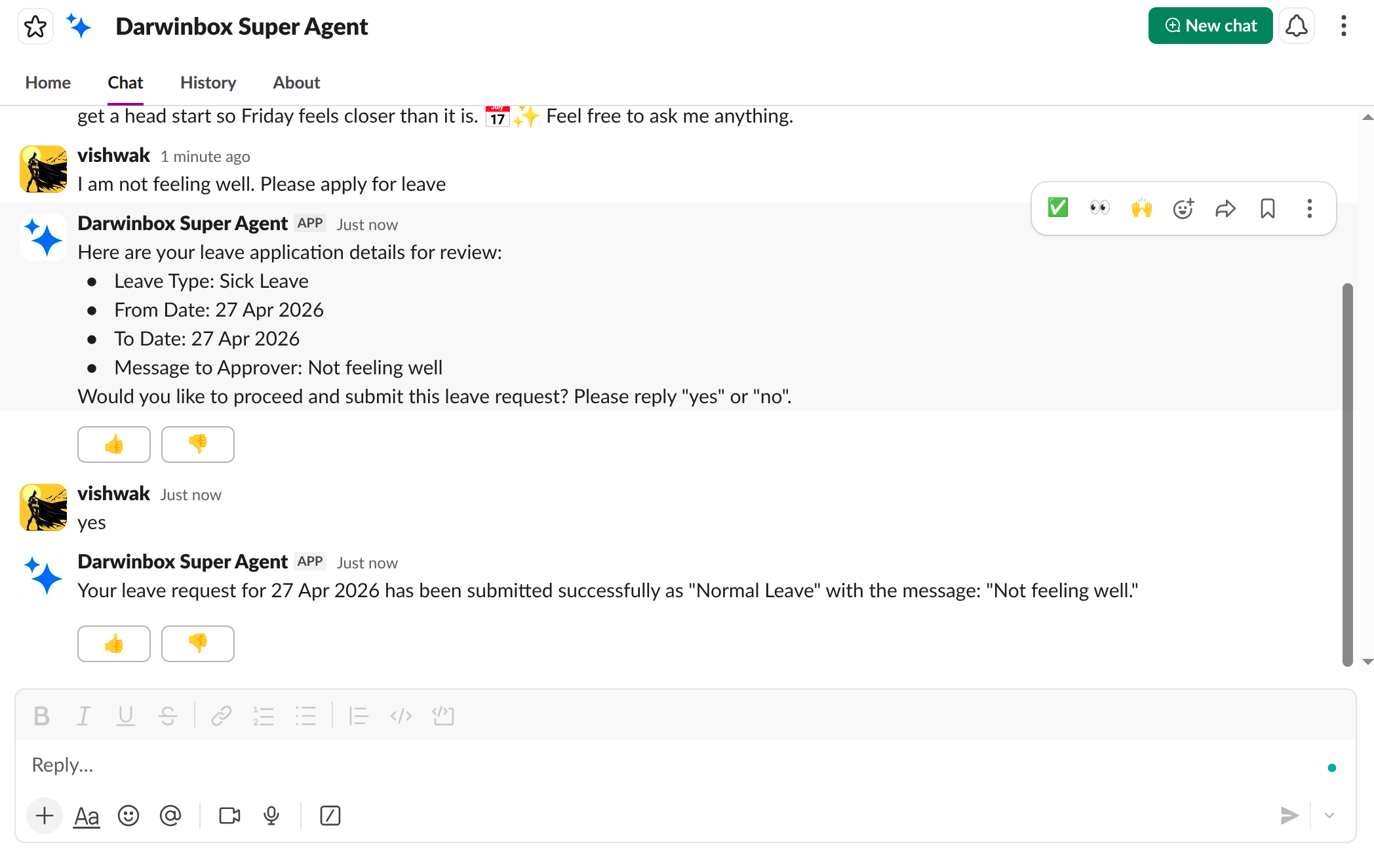
Apply for leave, check attendance, or raise helpdesk tickets through a simple conversation. The agent confirms every detail before submitting.
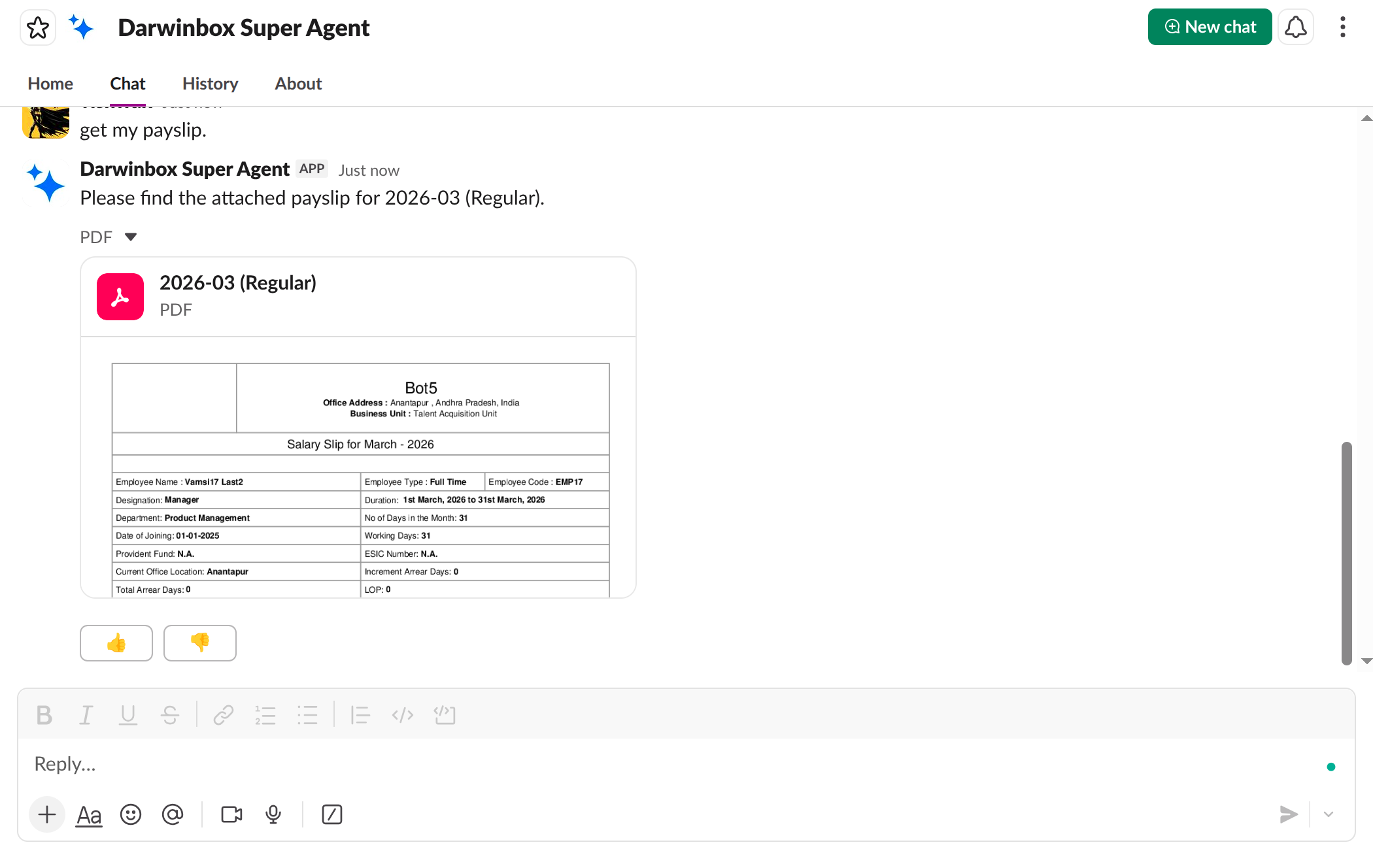
Request payslips, tax documents, or any HR file. The agent fetches and shares them as PDF attachments right in the chat.
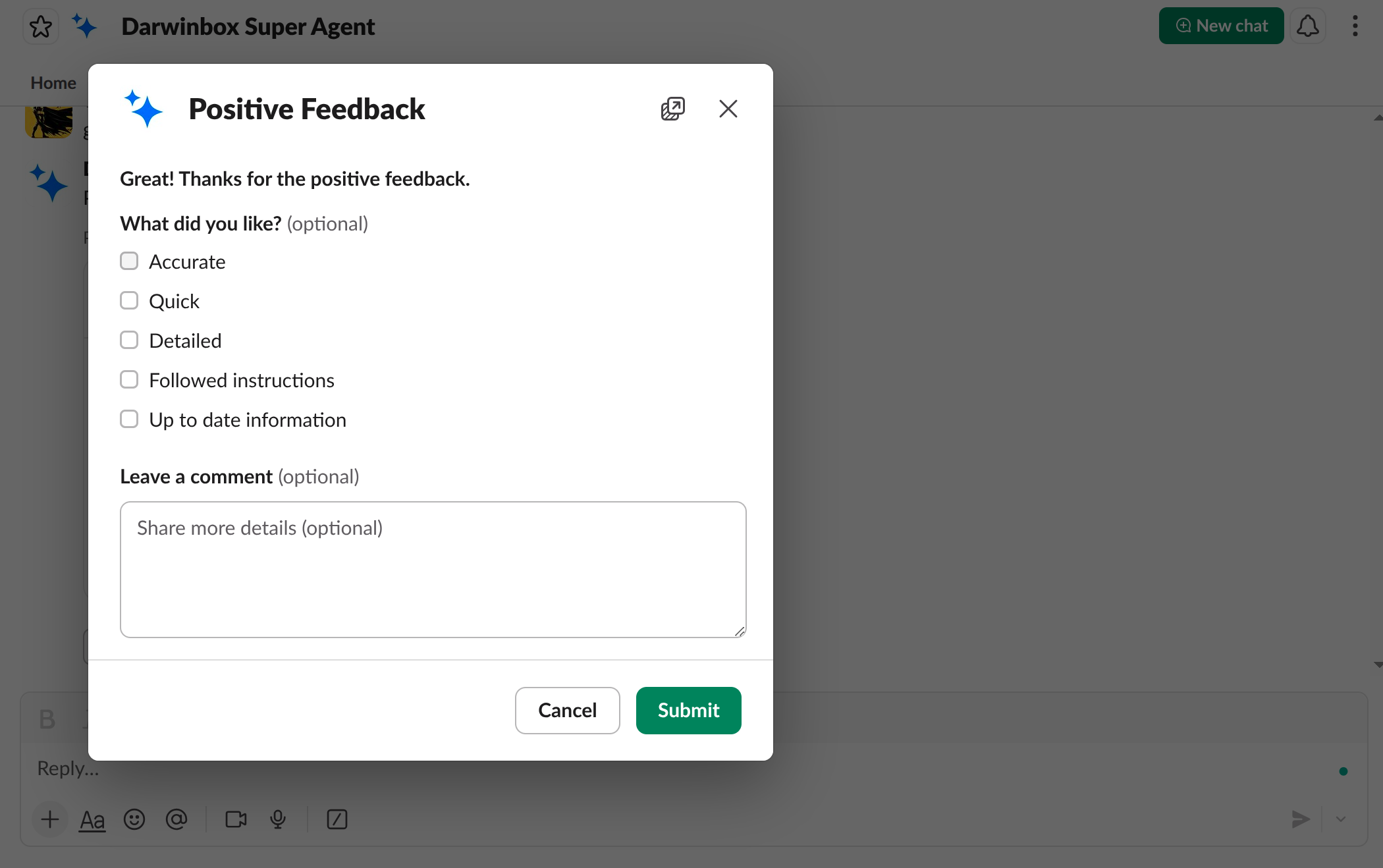
Rate every response with a thumbs up or down. Your feedback helps the agent learn and improve over time.
Everything you need from HR, right inside your Slack workspace.
Request time off in seconds. The agent handles leave type, dates, and approver routing automatically.
Get your latest payslip or any past month's salary document delivered as a PDF right in chat.
Report issues or make requests. The agent creates structured helpdesk tickets from your description.
Get real-time, streaming responses powered by Darwinbox AI. No waiting, no ticket queues.
Answers are backed by your organization's HR knowledge base, with source links for transparency.
Rate responses to continuously improve the assistant's accuracy for your organization.
Installation depends on your role in the Slack workspace.
| Who clicks the install link | Result |
|---|---|
| Workspace Admin / Owner | App is installed to the entire workspace — available to all employees |
| Regular Member | App is installed only for that specific user |
Your data, your control.
Every interaction requires Darwinbox authentication. Only you can access your HR data.
The app only requests the minimum Slack permissions needed to function.
Data is processed through Darwinbox's secure infrastructure with SOC 2 compliance.